

Why Design Impacts User Behaviour
Design influences behaviour whether you intend it to or not.
Every layout decision sends a signal.
Every spacing choice affects effort.
Every visual inconsistency introduces doubt.
Understanding this changes how you design.
1. People scan, not read
Most users do not read websites line by line.
They scan.
They look for headings.
They look for buttons.
They look for patterns they recognise.
If key information is hidden inside long blocks of text, it is missed.
Design that respects scanning behaviour makes it easier for users to understand what matters.
2. People avoid effort
Users avoid thinking wherever possible.
Extra clicks, too many choices and unclear labels.
Each one increases friction.
When effort rises, action falls.
Design should reduce effort at every stage of the journey.
3. People need reassurance
Before acting, users look for confirmation.
Is this business legitimate.
Is this the right solution.
Have others trusted them before.
Design communicates reassurance faster than words alone.
Consistency, familiarity, and proof all play a role.
4. Design guides decisions
Users should never wonder what to do next.
If the design leaves decisions open ended, users stall.
Strong design quietly leads people forward without explanation.
That is what conversion focused design really means.
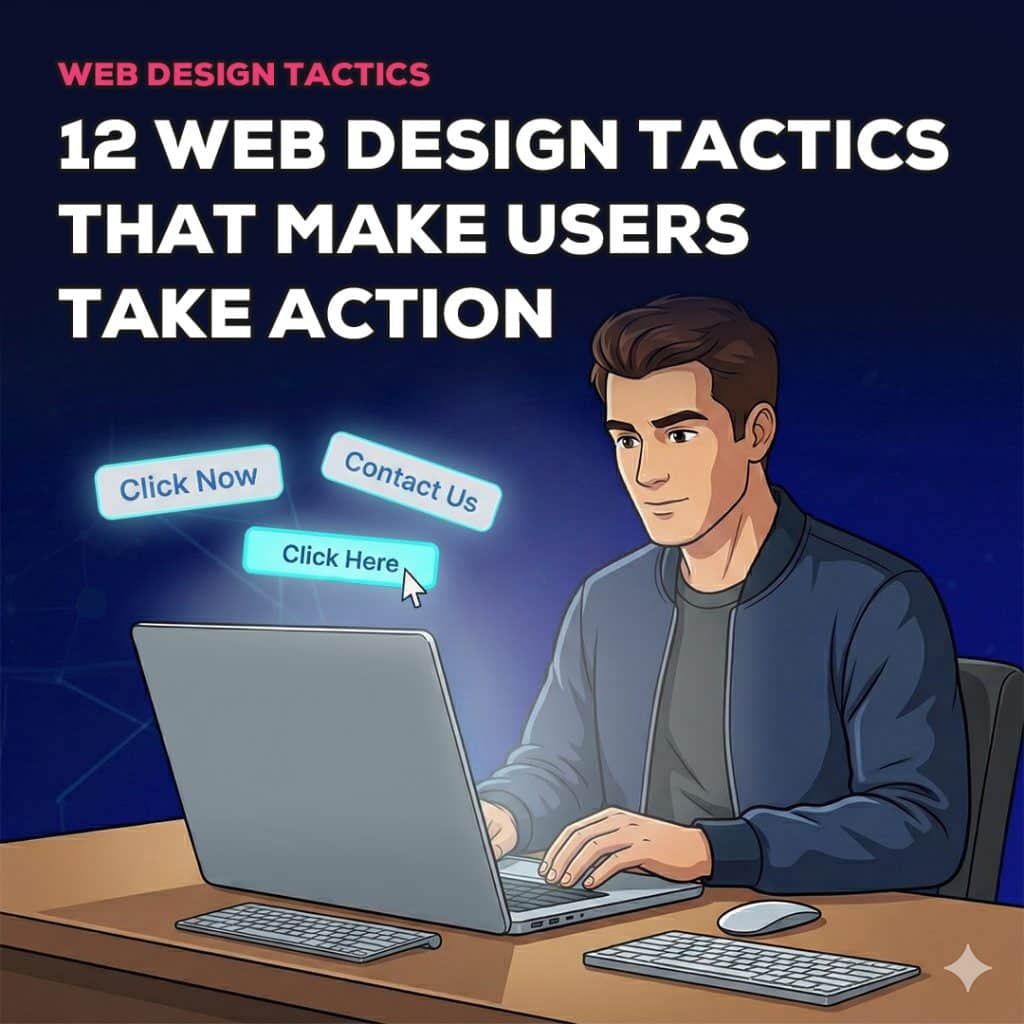
12 Design Tactics That Make Users Take Action
Design affects behaviour whether you plan for it or not.
Every layout choice sends a signal.
Every inconsistency creates friction.
Every unclear element introduces doubt.
Understanding how users behave explains why design matters so much.
Most users do not read websites carefully. They scan quickly, looking for cues that tell them whether the site is relevant. Headlines, buttons, layout patterns, and visual emphasis do more work than paragraphs of copy.
Users also avoid effort. If something feels difficult, confusing, or time consuming, they leave. This is not laziness. It is efficiency. Online behaviour is shaped by habit and expectation.
Reassurance also plays a major role. Before acting, users subconsciously ask whether the business is trustworthy, competent, and safe to engage with. Design answers these questions faster than words alone.
The role of design is not to decorate content. It is to guide decisions. When design supports clarity and confidence, action becomes easier. When it does not, hesitation increases and conversions drop.
1. Clear Visual Hierarchy
Visual hierarchy controls attention. It determines what users notice first, what they notice next, and what they ignore completely.
When the hierarchy is weak, users feel overwhelmed. Everything looks equally important, so nothing stands out. This forces users to think harder about what to do, and thinking is where conversions die.
A strong hierarchy uses size, spacing, contrast, and positioning to guide the eye. Headlines stand out clearly from body text. Important actions are visually dominant. Supporting information is present but secondary.
In real world websites, strong hierarchy often means a clear headline at the top of the page, followed by a short supporting explanation and a prominent call to action. Sections are separated clearly so users can scan without effort.
When hierarchy is done wrong, users miss key messages. Calls to action blend into the background. Important information is overlooked. The result is confusion and inaction.
From a conversion perspective, hierarchy reduces cognitive load. Users do not need to work out what matters. The design shows them.
2. Strong Above the Fold Messaging
The top of the page sets expectations. Users decide within seconds whether a website is worth their time.
If the message above the fold is vague, clever, or generic, users leave. They do not scroll to “figure it out”.
Strong above the fold messaging answers three questions immediately. What the business does. Who it is for. Why it matters.
In practice, this means a clear headline written in plain language, supported by a short line that explains the benefit, not the feature. A visible call to action should also be present so users know what to do next.
Many businesses get this wrong by using slogans that sound nice but say nothing. Phrases like “innovative solutions” or “quality you can trust” add no clarity and do not move users forward.
When above the fold messaging is clear, users feel oriented. They know they are in the right place, which increases the likelihood of further engagement and conversion.
3. One Primary Call to Action

Every page should have one main action you want users to take.
When users are faced with too many options, decision making slows down. This is known as decision fatigue, and it is one of the most common conversion killers.
A primary call to action creates focus. It tells users what matters most. Secondary actions can exist, but they should be visually de-emphasised so they do not compete for attention.
On real websites, this often means one dominant button style used consistently for the main action, with secondary links styled more subtly.
When this tactic is ignored, pages feel scattered. Users hesitate because they are unsure which action is expected. That hesitation often results in abandonment.
Clear prioritisation of actions improves conversion rates by reducing mental effort and guiding behaviour.
4. Strategic White Space
White space is one of the most misunderstood design tools. It is often seen as wasted space, when in reality it is what makes content usable.
Crowded layouts force users to process too much information at once. This increases cognitive load and reduces comprehension.
Strategic white space creates separation between ideas. It makes content easier to scan and helps important elements stand out.
In practical terms, white space appears as padding around text, spacing between sections, and breathing room around calls to action.
When white space is ignored, pages feel chaotic. Users struggle to focus, key messages are lost, and conversions suffer.
From a behavioural perspective, white space lowers effort. Lower effort increases the likelihood of action.
5. Directional Cues
Directional cues guide attention using visual signals. Humans instinctively follow direction, whether it is an arrow, a line, or even the gaze of a person in an image.
When used deliberately, directional cues quietly guide users toward key actions without being intrusive.
Examples include images facing toward a call to action, layouts that naturally flow toward buttons, or subtle arrows that reinforce movement through a page.
When directional cues are missing, users may not notice important elements. When they are overused, they become distracting.
Used correctly, directional cues improve conversion by aligning attention with intent.
6. Consistent Button Styling
Consistency builds trust. When interactive elements behave predictably, users feel confident clicking them.
Buttons that change colour, shape, or style across a website create uncertainty. Users hesitate because they are not sure what is clickable or what will happen next.
Consistent button styling means primary actions always look the same, secondary actions follow a clear pattern, and hover states behave predictably.
When this tactic is ignored, users miss opportunities to act. When it is applied consistently, behaviour becomes habitual, which increases conversions.
7. Social Proof Near Decision Points
Social proof reduces perceived risk. Users look for reassurance just before committing.
Placing testimonials, reviews, or client logos near forms, pricing, or calls to action is far more effective than hiding them on a separate page.
Real world examples include short testimonials next to enquiry forms or review snippets near purchase buttons.
When social proof is missing or poorly placed, users hesitate. When it is present at the right moment, it reinforces confidence and nudges action.
8. Mobile First Layouts
Most users arrive on mobile devices. Designing for the desktop first and shrinking the layout rarely works.
Mobile first design prioritises simplicity. Content flows vertically. Buttons are easy to tap. Forms are short and usable with thumbs.
When mobile experience is poor, conversions drop sharply. This is especially damaging for local businesses and ecommerce.
Designing mobile first improves conversion by meeting users where they are.
9. Fast Loading Pages
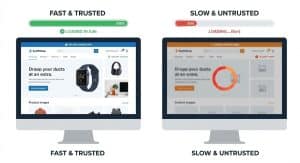
Speed influences trust. Slow websites feel unreliable and outdated.
Even small delays increase bounce rates. Users interpret slowness as a sign of low quality or lack of professionalism.
Fast loading pages are achieved through optimised images, minimal scripts, and clean builds.
From a conversion standpoint, speed reduces frustration and keeps users engaged long enough to act.
10. Clear Form Design
Forms are often the final barrier to conversion. Poor form design stops users at the last step.
Clear forms use only essential fields, logical order, clear labels, and simple validation messages.
Long or confusing forms create friction and raise concerns about time and privacy.
Improving form clarity consistently increases completion rates and lead volume.
11. Contrast for Calls to Action
Calls to action must be visible. If users do not see the button, they cannot click it.
Contrast ensures buttons stand out from surrounding content without being aggressive.
This includes colour contrast, spacing, and size.
When CTAs blend in, conversions drop. When they stand out clearly, action increases.
12. Predictable Layouts
Familiarity reduces effort. Users expect certain patterns and feel uncomfortable when those patterns are broken without reason.
Predictable layouts place navigation where users expect it, structure content logically, and position calls to action in familiar locations.
This reduces hesitation and improves flow.
Common Design Mistakes That Stop Action
Even good intentions can block conversions.
These mistakes appear frequently across underperforming websites.
- Too many calls to action confuse users.
- Cluttered layouts overwhelm attention.
- Hidden next steps create hesitation.
- Inconsistent design reduces trust.
- Overdesigned animations distract rather than help.
Most conversion problems are not complex.
They are the result of too much design and not enough intent.
How These Tactics Work Together
No single tactic creates conversions on its own.
Conversion comes from a system.
Hierarchy supports clarity.
Clarity supports trust.
Trust supports action.
When these tactics are applied consistently, users feel guided.
They do not feel sold to.
They do not feel rushed.
They feel confident enough to act.
That is the real goal of design.
How Design Hero Applies These Tactics
These tactics are not applied randomly.
They are applied with purpose.
1. Strategy before design
Every project starts with understanding.
Goals.
Audience.
Desired actions.
Design decisions follow strategy, not trends.
2. User behaviour led layouts
Layouts are built around how users scan and decide.
Not how designers want to decorate.
3. Brand aligned execution
Tactics must fit the brand.
Trust comes from consistency, not gimmicks.
4. Tested patterns, not trends
We use patterns proven to work.
Not ideas copied from galleries or awards sites.
5. One point of contact
Clear communication leads to clear decisions.
No confusion.
No delays.
6. Designed for Scottish and UK businesses
Local expectations matter.
Design is shaped by real audiences, not assumptions.
Quick Action Focused Design Checklist
Use this to audit your website honestly.
- Can users tell what you do within seconds.
- Is the next step obvious.
- Do calls to action stand out clearly.
- Is the page easy to scan.
- Does it work smoothly on mobile.
- Does the site feel trustworthy.
If you hesitate on any of these, users will too.
Conclusion
Users take action when design removes uncertainty.
Not when it tries to impress.
Clarity beats creativity, guidance beats decoration and intent beats guesswork.
If your website attracts attention but no action, design is likely the problem.
Design Hero helps businesses across Scotland and the UK design with purpose.
Websites that guide users.
Websites that convert.
If you want to turn browsing into action, talk to Design Hero.